
-
7950 Fm 1960
Humble, TX 77070
-
Business Hours
Mon - Sat: 9am - 5pm
-
Email Us
Support@GoSmartPos.com

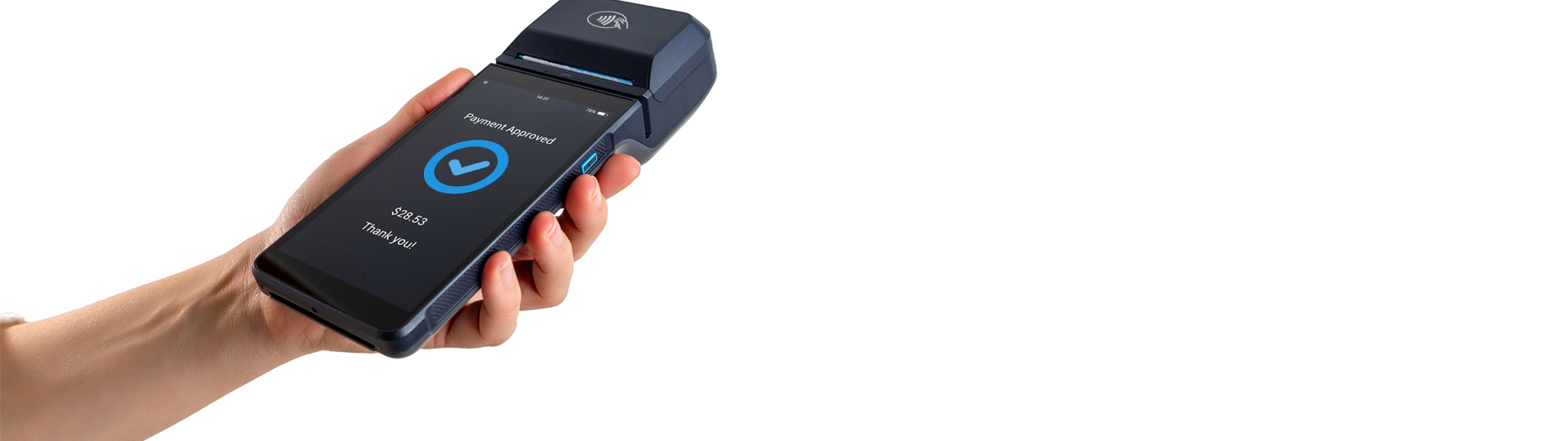
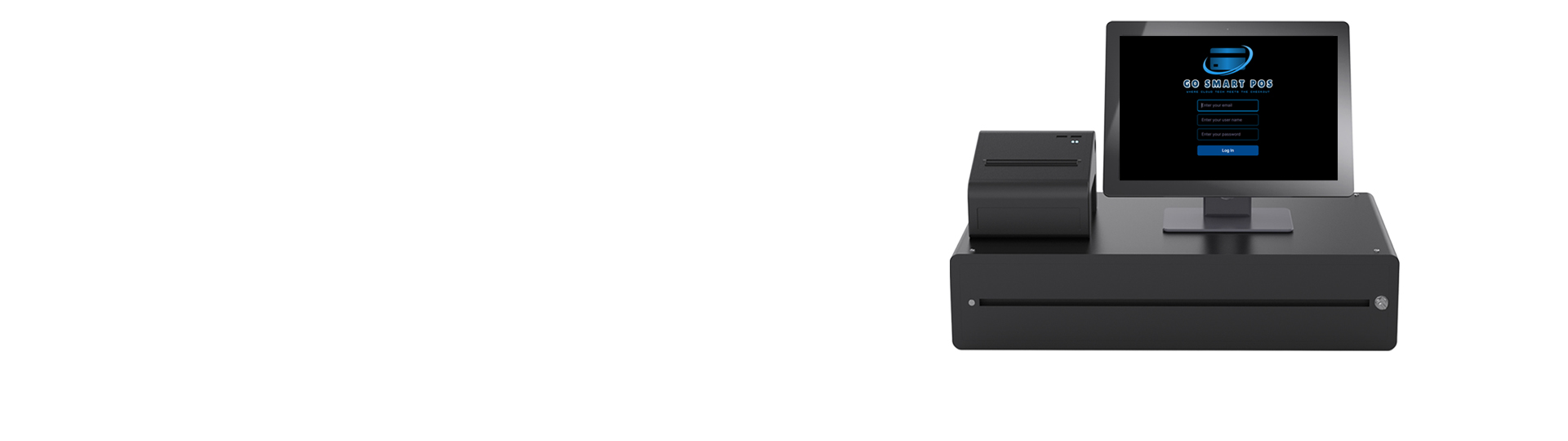
Go Smart POS uses Stripe to securely handle all electronic payments, providing a reliable and fully integrated payment experience. This ensures fast, seamless transactions with trusted processing technology and broad payment support. By leveraging Stripe’s platform, Go Smart POS delivers a smooth checkout experience while maintaining secure and efficient payment handling across all sales channels.
Absolutely. Go Smart POS supports multi-location businesses with centralized reporting. Managers can track sales across venues in real time, and control menus or settings per location—all remotely.
Go Smart POS offers transparent pricing with no hidden fees. Whether you're just starting out or scaling quickly, our affordable monthly plans are designed to fit your business.
 Go to Stripe’s website and sign up for a business account. You’ll need to provide:
Stripe is required to verify who you are. This usually includes:
To get paid, you’ll connect your business bank account by entering:
You’ll choose how often Stripe sends money to your bank:
We’ll meet with you on-site or via Zoom meeting to get your Stripe account connected to your POS system. Once setup is complete, you can begin taking:
Go Smart POS offers terminals for purchase, or you may conveniently order one through your
Stripe account. For compatibility, the system requires the WisePOS E terminal.  download this
Add Terminal To Stripe
Add Terminal ID to POS
Join Stripe and POS
Add domain to Stripe
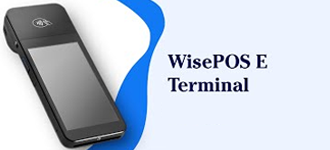
The BBPOS WisePOS E is a versatile, smart POS terminal designed for Stripe, capable of acting as both a handheld and countertop reader. It features a 5-inch touchscreen, and accepts chip, swipe, and contactless payments (including Apple Pay/Google Pay). The device supports WiFi or Ethernet connectivity
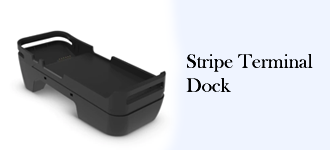
The BBPOS WisePOS™ E Dock provides hardwired ethernet connectivity and keeps your smart reader fully charged for all-day use with the included USB-C to USB-A charging cable.
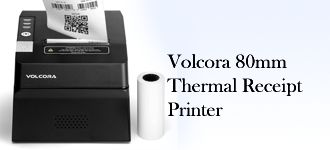
Volcora Thermal Receipt Printer, 80mm POS Printer w/Auto Cutter, High Speed Kitchen Printer. The receipt printer has USB and Bluetooth connectivity technology, as well as cash drawer RJ11 ports. With a 203 dpi resolution, the bluetooth receipt printer produces high-quality prints that are sharp and clear.



At Go Smart POS, we are dedicated to bringing professionalism, dependable service, and trust to your business operations. Our skilled technicians are committed to keeping your POS system performing at its best by resolving issues efficiently and accurately.
Go Smart POS makes troubleshooting simple with free Zoom diagnostics. Our team will quickly evaluate your POS setup, devices, and accessories to keep your business running smoothly—100% free.
With Go Smart POS, you get dependable 24/7 tech support designed to deliver fast, high-quality service whenever you need it. No matter where your business operates, our team is ready to assist around the clock.